DejalNews #83: Time Out 2.9.2 and Simon 5.1.1 released
· DejalNews · Simon · Time Out

Read More
· DejalNews · Simon · Time Out
Read More
· release · Time Out
I'm pleased to announce an update of Time Out, my popular break reminder tool.
This update includes some nice fixes and tweaks:
Read More
· release · Simon
I’m pleased to announce the general release of an update of my website and server monitoring app for macOS: Simon version 5.1.1.
This update includes just a few — but important — fixes:
Read More
· FAQ · Simon
Read More
· FAQ · general
I received a support email from a Simon customer who had a hard drive failure, and lost their data. Worse still, they were in the process of recreating their Time Machine backup at the time, so didn't have a backup.
That prompted me to post about my backup strategy. When you live your life and make your living on computers, there is little more valuable than the data they contain. So it is critical to protect it from a loss that could set you back years.
Fortunately nowadays most important data is in the cloud... various remote servers. For example, if you use Apple Music, your music…
Read More
· FAQ · Simon
Read More
· FAQ · Simon
Read More
· FAQ · Simon
Read More
· FAQ · Simon
Read More
· FAQ · Time Out
Read More
· site

Read More
· FAQ · Simon
Read More
· extras · Time Out
Read More
· FAQ · general
If you send an email to Dejal asking for support, you should expect a reply within 24 hours. If you don’t get one, chances are your email service has mis-flagged it as spam. So check your spam folder.
If you use the contact form, and request a reply, you will get an automated reply email from the Dejal server within minutes, acknowledging receipt. And will get a personal reply within 24 hours, if needed. So if you don’t get that automatic reply, again check your spam folder.
I know it’s frustrating to write to a company and not get a reply. As an indie developer, I strive to provide excellent…
Read More
· consulting · NewsBlur · SheetPlanner · Simon · summary · Time Out

Read More
· FAQ · Simon
Read More
· general
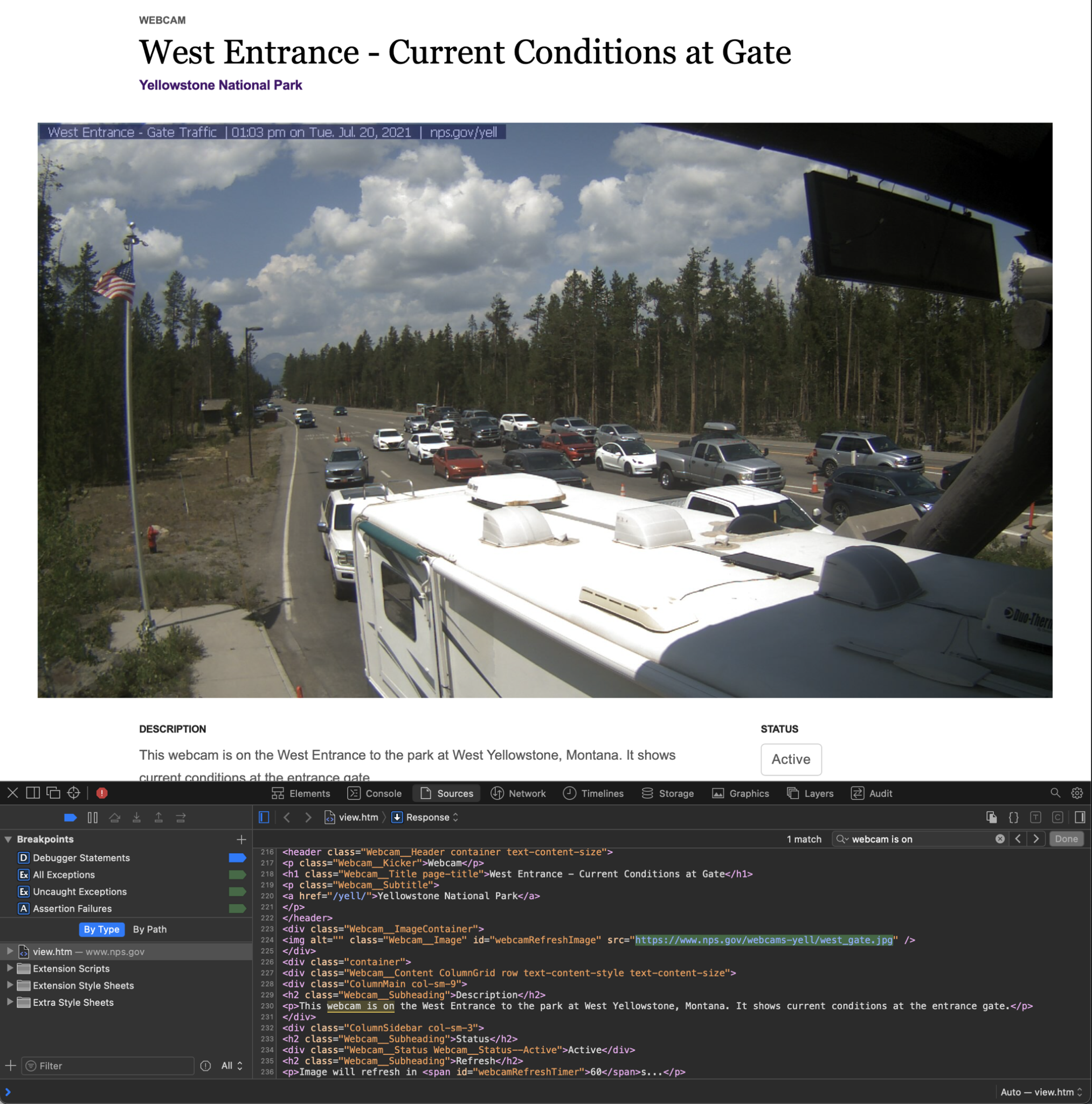
Like other recent posts, this is an updated repost of an older post from the previous Dejal blog; here’s the original in the web archive for comparison.
I take a lot of screenshots while documenting my apps, and for my personal Sinclair Trails blog. While I’ve used third-party tools in the past, Apple’s built-in screenshot tools work really well.
The simplest is the whole-screen screenshot hotkey. Pressing ⇧⌘3 (Shift-Command-3) will save a PNG image of the whole screen (or multiple pictures if you have multiple screens) to the Desktop. (You can change the hotkey via the System Settings ▸…
Read More
· FAQ · Simon
Read More
· release · Simon
Read More
· FAQ · Simon
Read More